

For you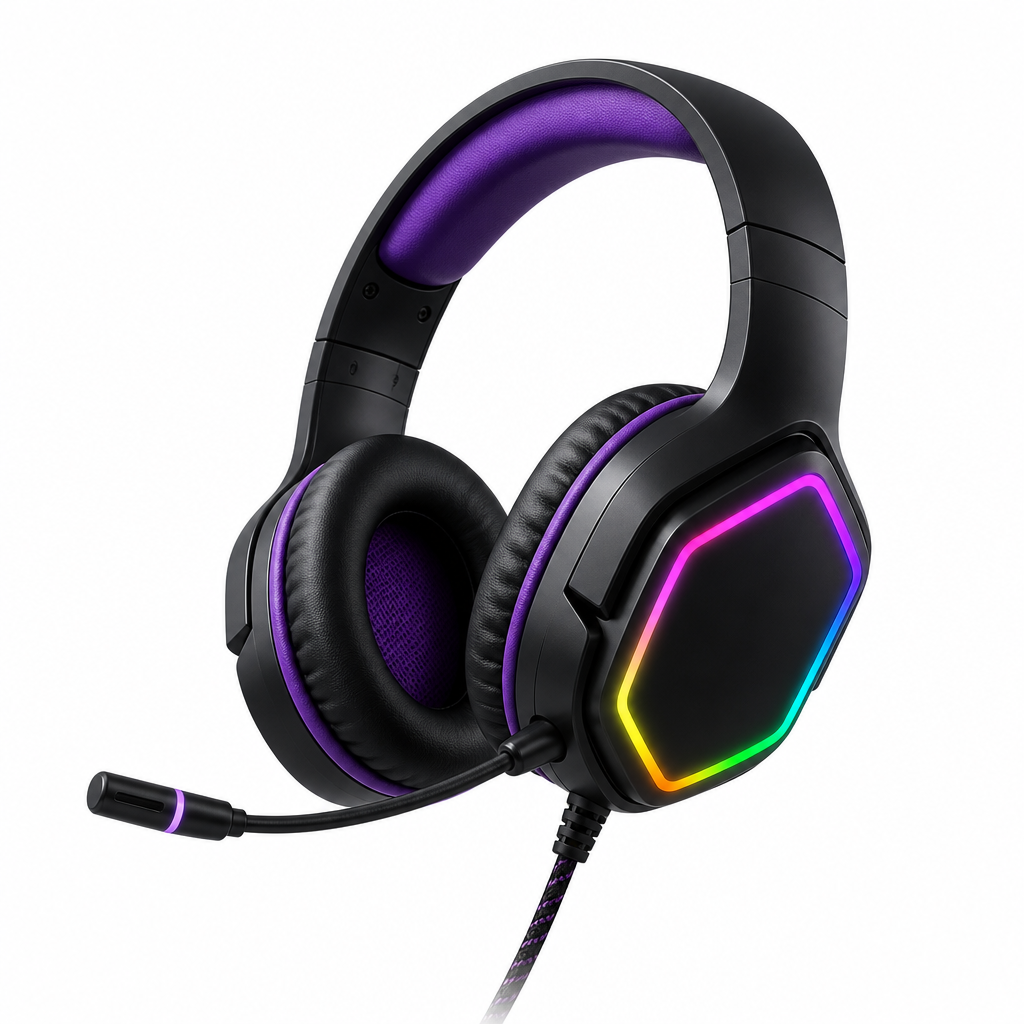
Electronics
Pulse Gaming Headset
7.1 surround · RGB
$129$159
Your site search is a salesperson. Make it your best one.
Search is the highest-intent moment in ecommerce. Semantix turns your search bar into a sales engine. No redesign. No chatbot. Plugs into your existing storefront.
“light red wine to drink with friends”
 +$45
+$45“gift for someone who likes Italian wine”
 +$210
+$210“waterproof jacket size L, under $100”
 +$89
+$89“noise-cancelling headphones under $150”
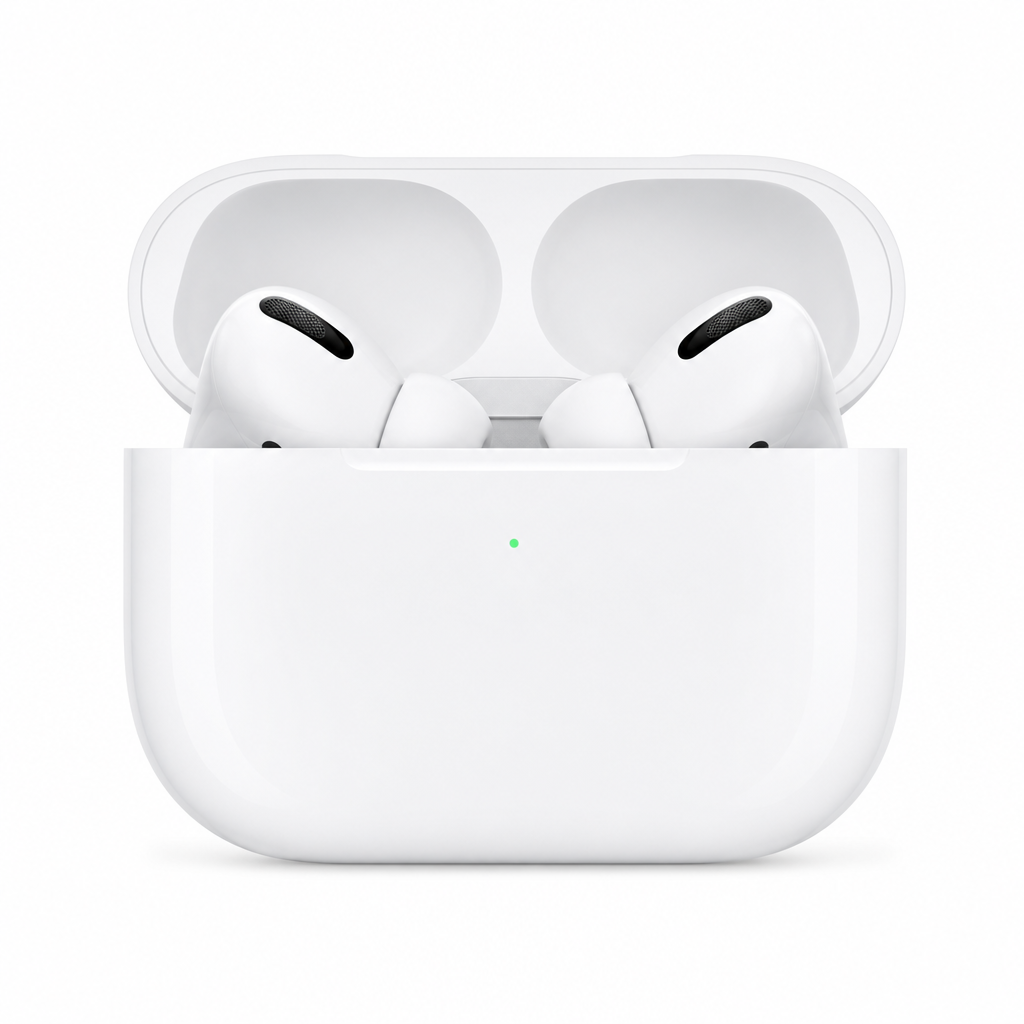 +$145
+$145“light red wine to drink with friends”
+$45“gift for someone who likes Italian wine”
+$210“waterproof jacket size L, under $100”
+$89“noise-cancelling headphones under $150”
+$145“black shirt, not pants”
 +$62
+$62“dress for a summer wedding, modest”
 +$168
+$168“running shoes for flat feet”
 +$134
+$134“moisturizer for dry sensitive skin”
 +$41
+$41“black shirt, not pants”
+$62“dress for a summer wedding, modest”
+$168“running shoes for flat feet”
+$134“moisturizer for dry sensitive skin”
+$41Trusted by ecommerce teams that cannot afford failed search








The technology
Hybrid search gets every query to the right products. Personalization and boosting decide exactly which one each shopper sees first.
Hybrid search
Every query runs through both layers at once — exact keyword matching for SKUs and product names, semantic understanding for vague, complex, or multilingual requests. Shoppers can search however they think, and still land on the right product.
Search results
24 products for “waterproof hiking jacket women's medium under $120”
Personalization
Clicks, cart adds, and purchase history shape each shopper's ranking in real time, as the session unfolds. Two people can type the same word and each see their own best product first — no manual rules to maintain.
Search results
126 products for “wireless headphones”
Electronics
7.1 surround · RGB
Electronics
Noise cancelling
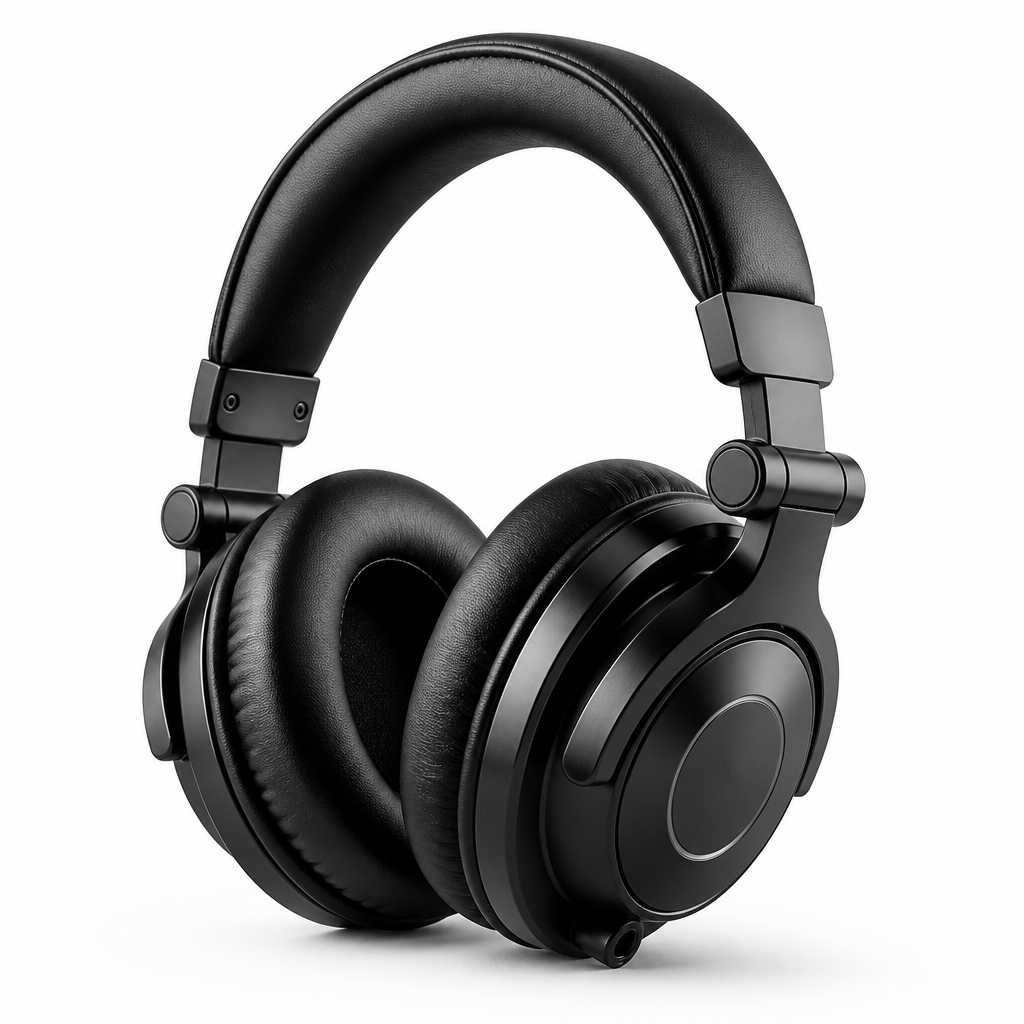
Electronics
Flat response
Boosting
Merchandisers set priority on any product in the catalog — seasonal pushes, high-margin items, overstock — and results re-rank instantly. No code, no support ticket, full control from the dashboard.
Living room essentials
Sort: Best selling
Dashboard
Pin product to #1…

Linen Throw Pillow Set
Neutral · set of 2

Ceramic Table Lamp
Matte white · dimmable

Holiday Decor Bundle
Seasonal centerpiece kit
Customers
One row per merchant — attribution rates, recovered revenue where it matters, and how Search Saver or Semantix Search ran on their traffic.
Garmin
Semantix Search
Semantix Search as the storefront search — where 23% of all queries are complex, and wouldn’t deliver without Semantix.
View case study →23%
of all queries are complex — and wouldn’t deliver without Semantix

Lisa Leonard
Search Saver
~10%
zero-result queries recovered / month
+1%
in revenue

Weinroute
Semantix Search
Full Semantix Search on live traffic — complex and multilingual queries attributed through search quality, not more ad spend.
View case study →12%
of online revenue
Year
live in 2025
Search Saver
Search Saver on top of existing search — recovered zero-result queries in place across three months of live traffic.
View case study →39%
zero-result searches
26.5%
of revenue recovered
$5,700
cart value recovered in one month
Before and after
Before Search Saver: zero results on a normal storefront search page.
After Search Saver: the same search bar and results layout — with products recovered from that empty search.
Watch the live storefront demo above cycle through no-results searches and recovered products.
How we fix it
Patch no-results queries in minutes with Search Saver, or replace ranking outright with Semantix Search — same AI engine, two ways in.
Start here
Plug-and-play AI agent on top of your existing search.
A lightweight layer that sits on top of your existing search and recovers no-results queries in real time — when shoppers hit zero products, Search Saver restores relevant matches on the same results page.
See how it works →Upgrade
The full multi-layer hybrid search engine.
Multi-layer, multilingual hybrid search that understands semantic, complex, and standard queries, ensuring every query leads to the most accurate result — combining boosting, profiling, and personalization so every shopper is routed to their preferred result.
See how it works →Semantix
In a short demo, we'll map your no-results searches and show which Semantix product recovers them fastest.